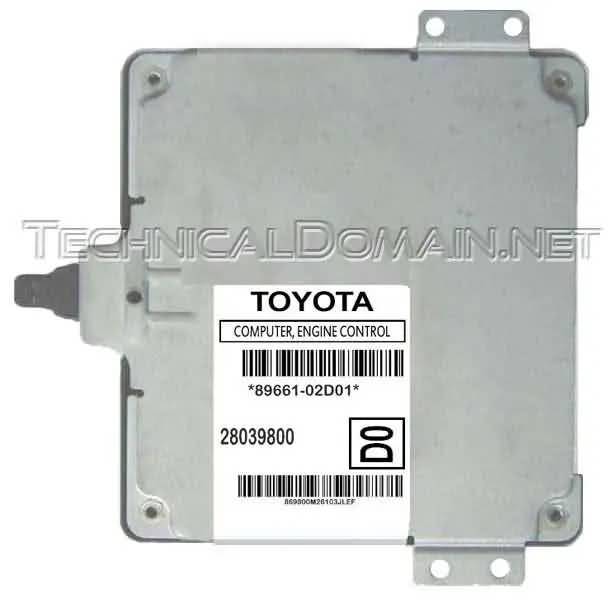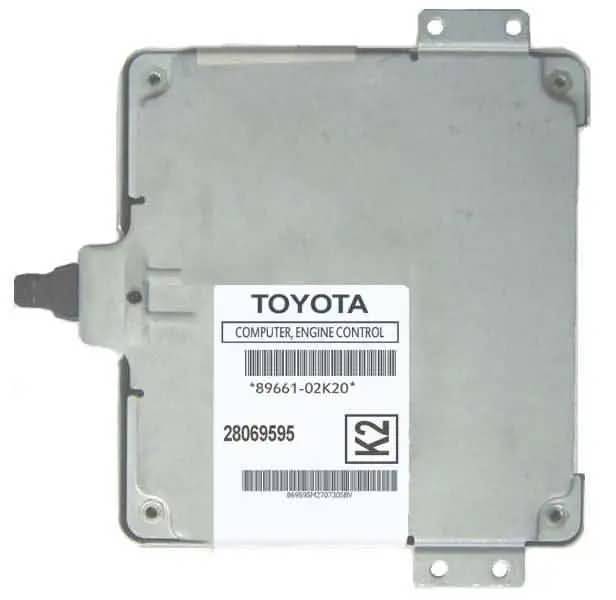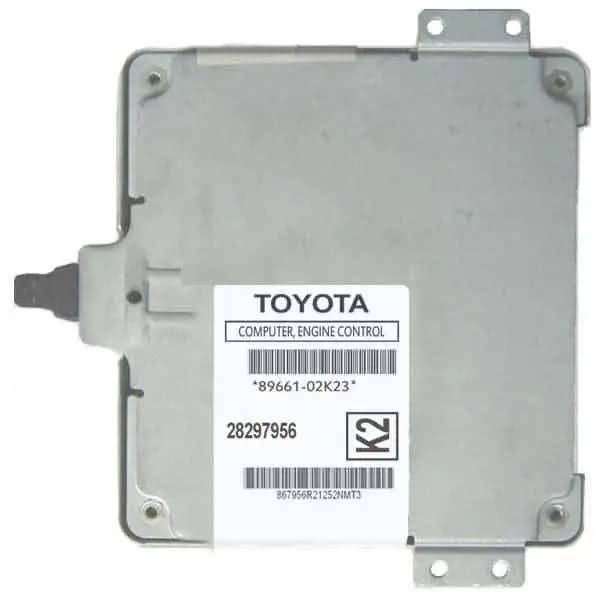


|
Do you know or have any information that you think would be helpful to the community and would like to share it in this blog? You are welcome to post it if you would like to! Just go to the "Submit Post" page for more information. |
Working with Immobilizer software for virginizing files

To fulfill these requests, we will publish the basic immobilizer reset procedure by using external tools, not the included functions on each program, as many of them are undocumented or use custom hardware, not readily available for every user.
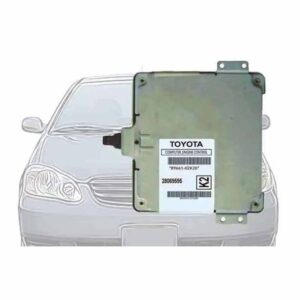
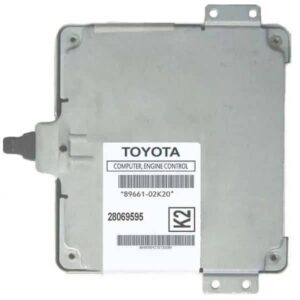
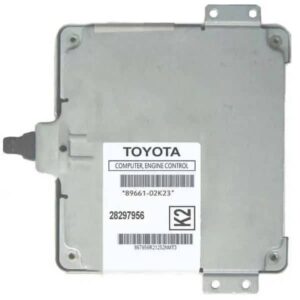
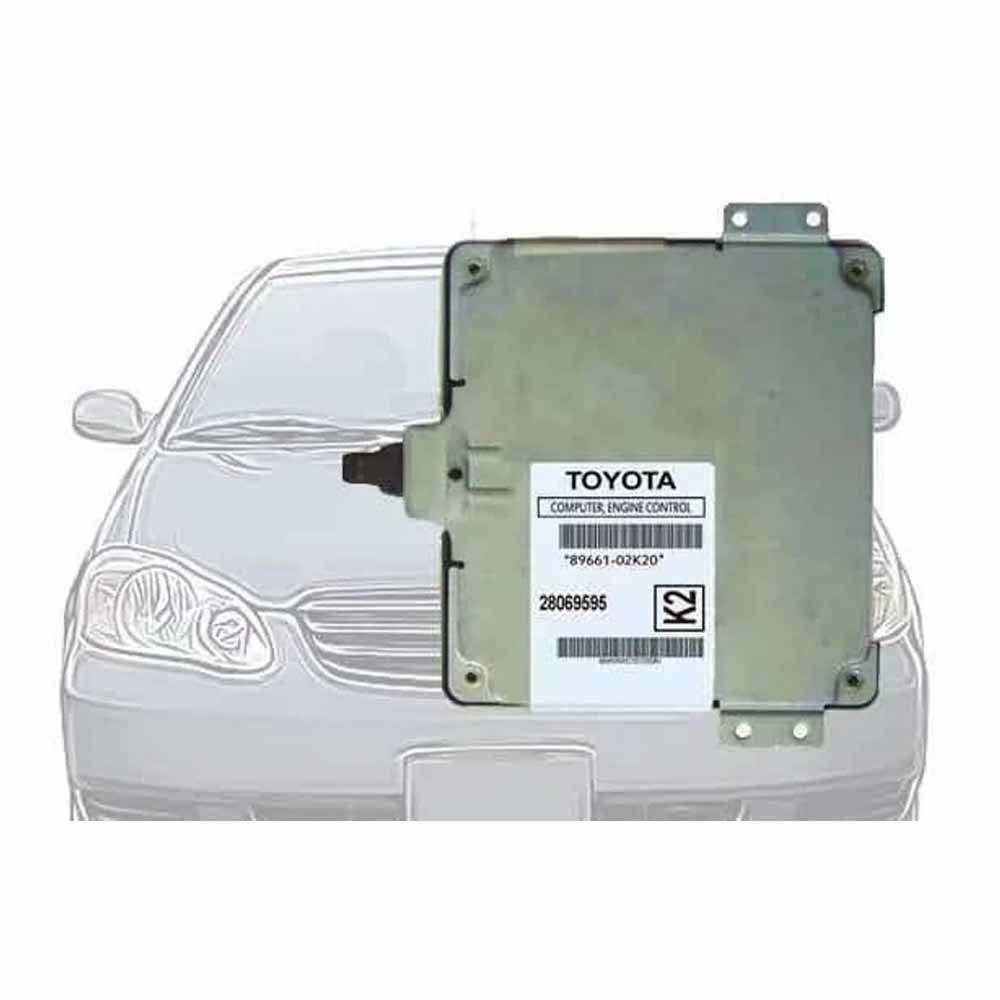
This procedure will also apply for the Toyota Virgin Dump collection, which is a group of files called dumps, as they were “dumped” out of the chip containing it, by using an EEPROM programmer to read such contents and not generated in any other way and also for the Toyota Corolla file and Toyota RAV4 File.
SOME BACKGROUND
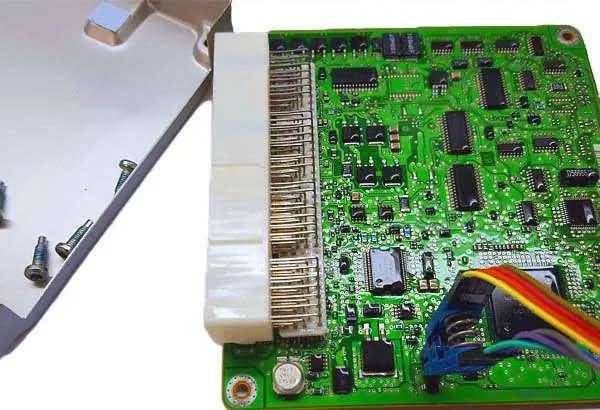
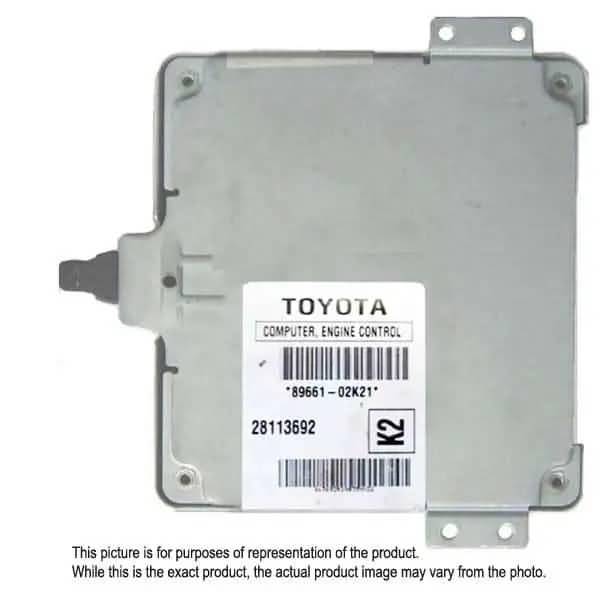
The automotive immobilizer system use digital codes and transponder key data, all encrypted, to allow the system to recognize the vehicle owner’s ignition keys and disallow the engine to start with just any key. Data used for such process is stored in a memory chip, many times a serial EEPROM, located either internally or external to the engine ECU (Engine Control Module).
In most cases, the chip used as storage memory is an SMD (surface ounted device) serial EEPROM of one of the following families:
- 24C0x (ex: 24C02, 24C04, 24C08, etc.)
- 250xx (ex: 25020, 25040, 25080, etc.)
- 93Cxx (ex: 93C46, 93C56, 93C66, etc.)
- 950xx (ex: 95020, 95040, 95080, etc.)
All those above, are tiny 8-leads memory chips, measuring around 5mm x 4mm and the differences among them are memory size, communication algorithm, speed in KHz or MHz, voltage, temperature and some other minor factors. All you need to know about them is how to configure your programmer to read and write them. Nothing else, unless you are designing a system. For immobilizer reset you will only read and/or write the data inside them.
NOTE: There are some cases where the immobilizer data is not stored in a serial EEPROM, but in the main chip, which contains the engine control software. Such chip, may be a separate chip in the circuit board or may be part of the MCU (Micro Controller Unit) itself. Those cases are not covered here, only cases with serial EEPROM as storage, which are the most common.
PROGRAMMER

For the programmer (device programmer or EEPROM programmer), you may use any available, as long as it supports the serial EEPROM(s) you will be working with. There are many inexpensive equipment out there and it is fine to buy them, but if you are going to be doing this in a frequent basis, the best investment is to purchase a programmer that supports as many as possible EEPROM families, with capability of upgrading or updating it through software. Such can be obtained at EETools.com (USA Based) or MCUMall.com (Canada based). These are only examples, as I am not affiliated with any of them and do not know if they accept International orders either. I just recommend what I have had good experience with, which is EETools. Some customers have had good experience with MCUMall.
I have been asked about the Willem programmer. There are many versions of such programmer and it is quite economical. If you are going to invest on it, first make sure that it supports your devices, either by checking its compatible devices list or by contacting the manufacturers. I can not responsibly give my opinion here on Willem, as I have not had any personal experience with that brand, though either for good quality or for its prices, it seems to be prefered by many as it is mentioned in many forums that discuss the topic.
CONNECTION

The first obstacle that you might find will be how to connect or interface the immobilizer EEPROM to the programmer, so it can be read and/or written. The device (EEPROM) is an SMD (Surface Mount Device) chip, which means it has no leads (or at least too small leads to be inserted anywhere) and it is very small in overall size. At the right, you will see an example of an SMD SOIC chip, where Pin or Lead #1 is iedntified.
On the other hand, the programmer is a large device (pictured above) and it has a ZIF (Zero Insertion Force) socket, ready to accept the chip’s bigger cousin, the DIP or DIL (Dual In Package or Dual In Line) devices, which have 8 larger leads or pins (example pictured at right).

Since space is very important now a days, small versions of these EEPROMs are used, so for connecting them to the programmer, there are several ways, of which, we present the best two here. These are the best two ways because they both can be done without removing the EEPROM from its circuit, which would require unsoldering, with the many involved risks, like damaging the device by overheating it, static electricity discharge damage, braking it in the attempt of removing it, as many times they are glued in place before been soldered, and the less taken in care, loosing it. Yes! Loosing it! Several times I have removed the chip from the circuit, it has fallen to the floor and somehow seems like it found a breach to a wormhole… totally disapeared without I having the opportunity of at least reading it so it could be duplicated. That’s a horrible, but overlooked truth. If you stick to any of these methods, you will never loose a chip.
METHOD 1 – SMD SOIC-8 Clip

The first method is by using the famous SMD SOIC-8 clip. It is a clip, manufactured either by Pomona (picture at the left) or by 3M Company, which will press all 8 contacts at the same time against the chip’s small leads. It will have a terminal at the other side, where you may solder 8 wires to a DIL (Dual In Line) shaped terminal, so it can be inserted in your device programmer like if it was a normal DIL package chip.

Watch out for chinese replicas of the SMD SOIC-8 clip sold over eBay. Chinese replicas are not the same hardware, as it is manufactured with very bad quality materials and you will have a hardtime connecting it to the chip. Once connected, you will have problems reading it because of misalignment of the contacts. The plastic or polimer used is very weak and will not stand more than a couple of uses before braking or wearing out. If buying this from eBay or any other bidding or B2B market, make sure it is “Pomona” or “3M” brand.
You may get ribbons already assembled, with the clip in one end and the DIL terminal in the other, like the one sold in MCUMall HERE (also in the picture at the left), or you may buy the clip alone and construct the ribbon by your self. For it you will need the SMD clip, some parallel wire from an old hard disk or floppy drive data cable, two 4-pin headers and a small piece of perforated board (proto-board). Just make sure to connect pins 1 through 8 of the terminal, in the right order, aligned with pins 1 through 8 of the clip. The illustrations below are example to give an idea.

You will need to splice the ribbon. It ususally has 40 wires in parallel or so. First cut both whatever terminals that are installed on both ends if any, of the floppy or hard drive ribbon you are using as the source of your wire harness.

Count 8 wires from either edge and do a small cut in the separator between wires (A). Pull away the now 8-wires ribbon (B) and in the same way you separated the 8 wires from the main ribbon, separate each one of the 8 wires (C) to a small length at one of the ends (D). Now do the same in the other end of the 8-wire ribbon, but this time, pull a little bit longer the separated wires (E). That longer wires will be spliced and soldered in the clip’s terminal.

First, make sure that you configure the wires in the sequence described below. That way, the ribbon cable can be used in a linear way and will not need to be folded in any way. Mark wire #1 in red or any other color so it can be distinguished, as you will need to know it when reading and/or writing to EEPROMs.

The other end of the wire will need to be spliced too and soldered in the DIL-8 terminal, matching wire number with Pin number. Use an ohmmeter or continuity tester to make sure that (1) the wire numbers match with pin numbers and (2) that there is no continuity between every contiguous pin. Otherwise, it means that a short circuit is present.
Below is a picture of a typical homemade SMD SOIC-8 clip and how it is engaged over the target SMD chip to be read and/or written.

I am just giving this information in case you wish to do it yourself, but after seeing all the hassle of making your own SMD clip ribbon, you might consider buying an already made one. They are not expensive, already error free and ready to be used.
METHOD 2 – Micro Pincers “Spider”

The other method is by using micro pincers. Again, the same advice about replicas. I have tried some made by Pomona and some chinese replicas. I had a hardtime with replicas. Pomona’s brand was very good, but the ones that performed best were the HP brand ones. Yes, Hewlett Packard. Good micro pincers may be obtained at Digi-Key Corporation.
With the micro pincers, you will be doing the same as with the SMD clip, but in this case, you will need to connect the 8 pins one by one. In no time you will master the technique and believe me, it is way more reliable than the clip or any other method, as the pincers are designed to grab each one of the diminute leads of the chip, without shorting them and once it is locked, it will read and write flawlessly.
NOTE: Please do not confuse micro pincers with micro grabbers. They are not the same. Micro grabbers are not intended for SMD devices. The micro pincers are “Y” shaped when opened and the micro grabbers are “J” shaped when opened. We need the ones with the “Y” shape. An example is at the right.


This is my favorite method of accessing SOIC-8 chips. It is in-circuit and very reliable at the same time. When using the previoulsy described method with the SMD clip, I have had a good experience, but sometimes you will need to play with it a little bit and accomodate it more than once, as every EEPROM package is slighly different and some will not allow the clip to grab them reliably enough. The lower the profile of the device to be accesed, the more difficult it might be. In some other cases, the leads of the chip will have materials that might prevent from good electrical contact, such as cases where any anti-corrosion treatment has been applied to the circuit board, like the most common one which is silicon based.
For constructing the same ribbon using micro pincers instead of the SOIC-8 clip, the process with the ribbon will be the same, with the exception that instead of the SOIC-8 clip terminal, you will connect that end of the ribbon to 8 micro pincers. It is very important that you number every pincer accordingly. Otherwise you will be lost at the moment of connecting them to an EEPROM for programming. Below is an example of a typical homemade micro pincers setup with a ribbon.

The diference in performance between the SMD clip and the micro pincers, relies basically in two things. One is that the clip will make contact to the front face of the device leads. While it will allow to make good contact in normal cases because it will find a larger contact area, such area will likely be coated with any anti-corrosion material as it is more exposed than the side areas. The second thing is that the clip excerts all its pressure at the same time to all the leads, making it strong in a few leads and weak in the others if not well balanced.
The micro pincers, on the other hand, will connect from the sides of the leads, which is less electrical connection area to grab, but will do with larger force per lead than its counter part, needing not to be balanced. Below is an example of a micro pincers “spider” connected to an EEPROM to be programmed.

DATA MANAGEMENT
So you might be asking by now, what will I read or write to the EEPROM once I successfuly connect it with either method? Well, you will need to write the specific virgin file of that model, if it is readily available, or will need to use any of the softwares intended to “virginize” the files first and then write the “viginized” file.
Let’s explain it in more details, but before doing that, first I would like to make 5 very important points here. The first one is that while you are working with EEPROMs in-circuit, it means that you will access the device with the hardware you have (clip or pincers, plus device programmer), but it also means that you will access part of the rest of the ECU circuit because the device is still soldered in the circuit. Right now there are no concerns of damaging the circuit, as the signals used by programming devices are safe, provided that you connect your clip or grabbers the right way. If you do a wrong connection, it is not very probable, but changes might occur in the circuit next to the target EEPROM, which includes its neightbor, the MCU or micro controller unit, so please make sure that the target device is hooked or interfaced the correct way, which means lead 1 of the clip with lead 1 of the chip, etc. That is other way of saying, ground with ground, +5v with +5v, etc.
The second point I want to stand out here is that when you are programming in-circuit, you are transfering data from your PC, through your programmer to the target device, which is a serial EEPROM in this case. Such data can be corrupted before it reaches its target. The main reason for this is the crystal oscillator. It is an electronic component used to provide the clock signal to the MCU just like a pacemaker does to the heart. This part is made of quartz, as its name says, but it is encased in a protective metal package. Without power, the MCU is completely off as we need it to be at the time of doing the programming, but in some cases, power from the programmer will go throgh our interface to the chip to be programmed, but will also go to the rest of the circuit. If that power reaches the MCU, it will attempt to start working and communicate with the target EEPROM, corrupting the data we are sending. We can cut power to the MCU, but will be a risky and tedious job and will make the whole process troublesome. The good thing is that we will achieve the same by keeping the pacemaker off. It is done as easily as running a wire, shorting the quartz crystal’s leads. Just locate the crystal, which is always near the MCU, and short (bridge) it. If the ECU has two MCUs like in many modern ECUs, then short only the crystal which is near the MCU connected to the EEPROM to be programmed. Both, the crystal and the MCU, will be near the target EEPROM. An example is shown below, where a 2-MCUs ECU is being programmed. The crystal that was bridged was the one near the MCU connected to the target EEPROM.

The third point is connection reliability. Before reading, writing, burning, zapping or whatever you wish to do to the EEPROM, once connected, you will first need to make sure that connection is ok. You will do that by selecting the EEPROM type in your programmer. If it is a NM93C56AN, then simply select “93C56″ for example. If your programmer allows you to be more specific, like brand, prefixes and sufixes, then be more specific. Then, do a quick confirmation read by clicking on “read”. Once read, notice the 4-digits checksum (32-Bits) and read the EEPROM again two more times while looking at the checksum. If the checksum stays the same all three times, then it is well conected and ready to program. If checksum fluctuates, then something is wrong. It may be caused either by a loose connection of the clip or pincers, by a crystal not been bridged or bridged the wrong crystal or simply by selecting the wrong device from the programmer’s list. If checksum read “9AE2″ for example, it must be “9AE2″ all three times. Until it is not happening, the setup will not be ready to either read or write to and from the chip.


The fourth point is be always concient where pin #1 goes. If you are to remove or replace a chip, note where pin #1 goes. The same when reading and programming EEPROMs. Pin #1 will tell you where the count starts and will be the reference point on how to put the clip or locate each one of the micro pincers. Get used to always note where pin or lead #1 is heading to.
The fifth and last point is ALWAYS BACKUP FIRST! It does not matter what kind of work you will be doing with the EEPROM, always save backup copy of the file inside it first. If for any reason, you need to put it back as it was the first time, you will not be able to do it without a backup! With time, we learn how to recognize certain parts of the file inside the EEPROM, like keys, VIN numbers, Odometer settings, whatever. Sometimes we will need that data back for any reason, for an emergency, for simple comparing with other files, etc. A backup copy will save your beloved A$$.
The process to “virginize” or reset the immobilizer is as mentioned earlier, as simple as writing the right file in the immobilizer EEPROM. So if you already have the needed virgin file, the steps are as follows:
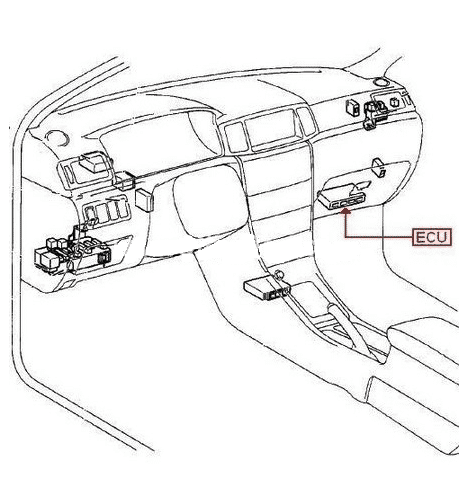
- 1. Locate the immobilizer EEPROM, either in the ECU or in a separate Immobox. For knowing this, you will need to look for reference in a database either on software or online. There is no rule or standard for this. Every manufacturer use their own standards.
- 2. Set your programmer by choosing the EEPROM type and the virgin file to be loaded in memory. Some systems will only allow to reset the immobilizer and some will allow to totally eliminate it. When eliminated, you can cut any standard key and that will be enough to start the car. If reset, you will need a programmed key which is compatible with the vehicle’s system so it get automatically registerd by the just reset immobilizer, allowing it to start the car.
- 3. Bridge the crystal of the ECU or Immobox
- 4. Connect your interfacing hardware to the target EEPROM and do the read test to check for good connection.
- 5. If connection is ok, load in memory the needed virgin file from your hard disk and write it to the immobilizer’s EEPROM.
- 6. Do a new read test, but this time to check if the file was written correctly. The checksum should be the same as when loading the file from disk. If it changes, it is possible that EEPROM was selected wrong from the programmer’s list, the EEPROM is write protected (only newer EEPROMs) or the EEPROM is damaged. There is no possibility of a bad connection here if the read first test was passed. Also, if the checksum is different from the checksum when loading the file, but it reads three times the same now, it is not a connection problem. Data simply was not stored right because any other reason.
- 7. If read test is ok and checksum matches, then the ECU or immobox will be ready to be reinstalled in the car.
If you do not have the virgin EEPROM ready, but have a software like immo killer, immo tool, immo cleaner (otocheck), etc, then you will need to look in the list of the software and see if the application (vehicle) you are working with is present. If it is present, then you will need to do the above procedure, but in step number 5, the procedure would be:
- 4. …See above…
- 5A. If connection is ok, then run the immobilizer virginizing software you have.
- 5B. Select the application from the software list. If you are working with a 1998 Toyota Camry for example, select so from the list if available.
- 5C. Read the file from the ECU or immobox with your prigrammer and save it in a file with the extension “.bin”. For example 98Camry-no-virgin.bin
- 5D. Load the just saved file with the virginizing software and select “Fix” or “Clean” or whatever button they have to start virginizing the file.
- 5E. After one or two seconds, the file will be virginized in the memory of the software. Save a copy in your hard disk, again with the “.bin” extension. For example: 98Camry-virgin.bin
- 5F. Load the just virginized file from your hard disk to the programmer’s memory and write it to the immobilizer EEPROM.
- 6. …See above…
SOFTWARE
There are several softwares out there intended mainly for virginizing the immobilizer system. Many have lots of files or fixes in common. There are other files or fixes that will be unique to that software. For example, Immo Cleaner v2 (OtoCheck) will have the same Toyota files that Immo Killer v1.0 does, but in its Toyota list, Otocheck will cover a few more models. As another example, ImmoKiller will be very similar to ImmoTool, but Immotool has a Toyota key generation tool that Immokiller lacks. The best would be to have a copy of each one I guess, though it would be somewhat expensive.
Website's recent related searches:
Also Interesting...
Offerize.com


hi, please tell me how and where to purchase the dip and chip clips to do mileage correction on vehicles. will it not affect the other components on the circuit board if i do it in circuit? i am in south africa. thanks
Hello Sagie.
The best place I have found to get it already assembled is MCUMall. The link is below:
MCU Mall
Regards,
Richard